📝 产品详情
id="description">
WATCH SIGMA EA TRADE LIVE
HOW SIGMA EA WAS DEVELOPED
It all started in 2015 when I started my crypto trading journey and bought a bitcoin, Initially I tried each and every stratagey available at that time, I was lucky enough to cash the 2017 crypto bull run even though I was still hopping from one stratagey to another, Finally I came to know about the supply and demand concept which intrigued me alot and also made lots of sense, I started working on it with great results but the crypto market begun to crash and I was smart enough to move all of my funds to forex, After successfully applying and optimizing my stratagey for two years I started developing my EA in 2019 and since then its being optimized on regular basis.
HOW THE EA WORKS
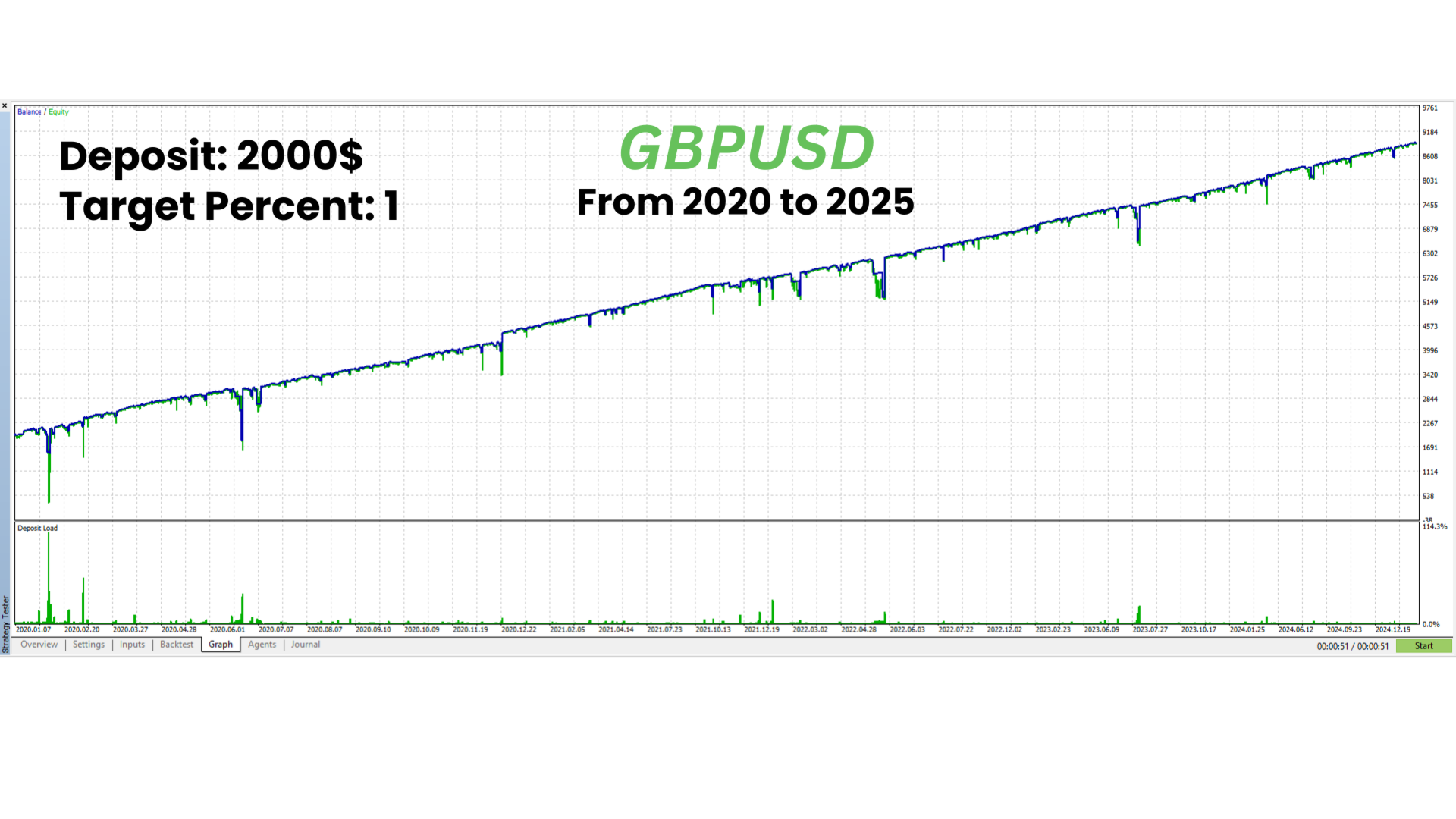
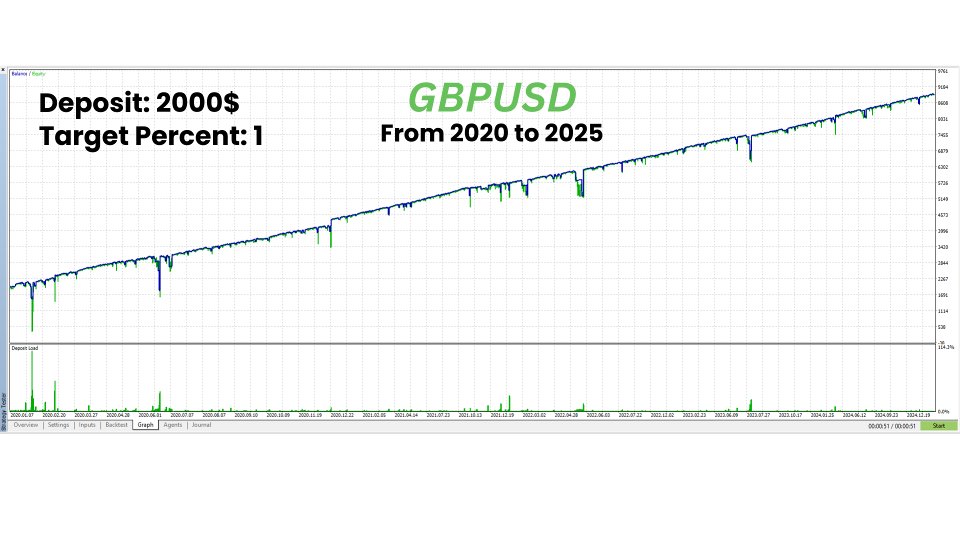
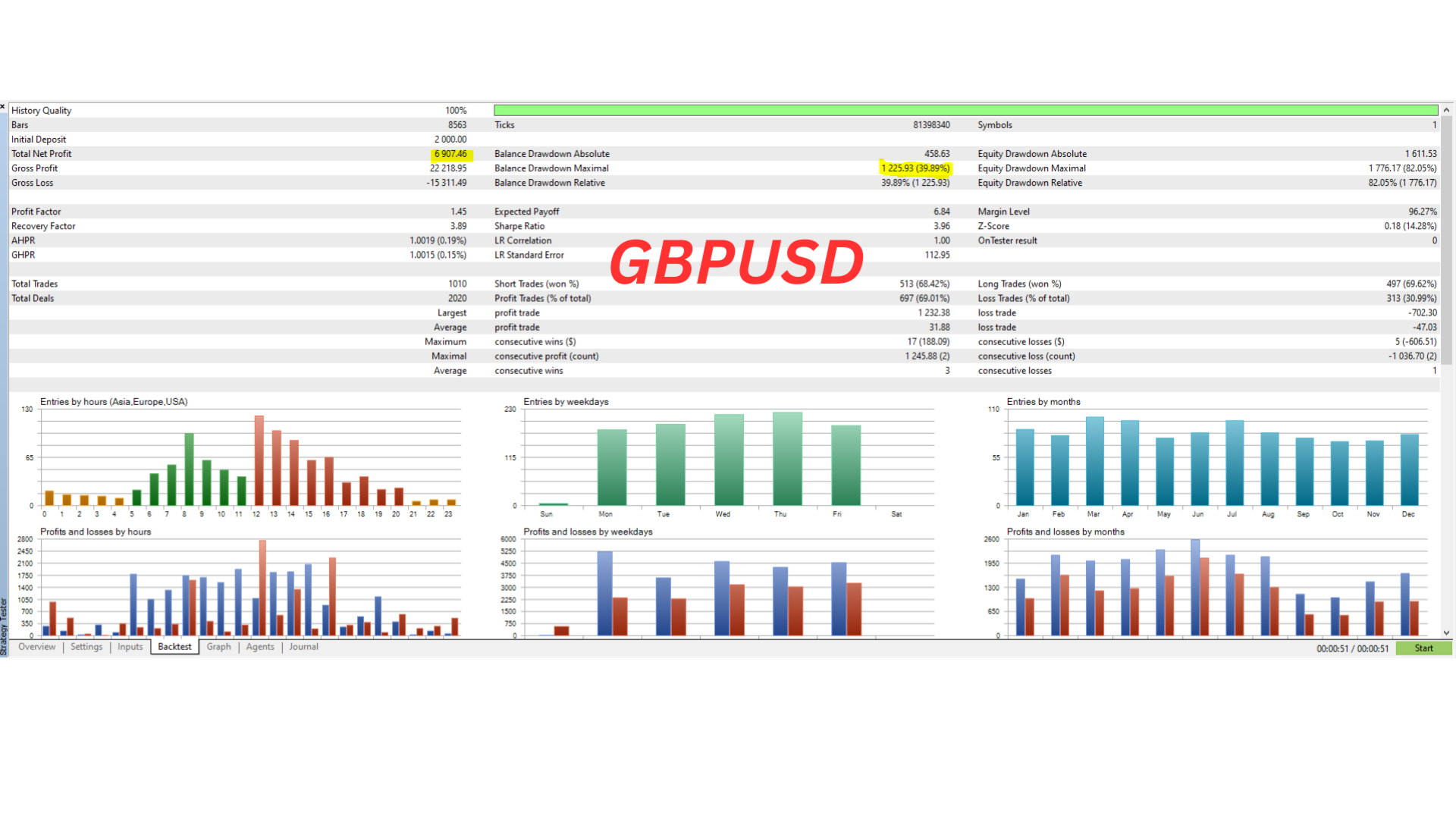
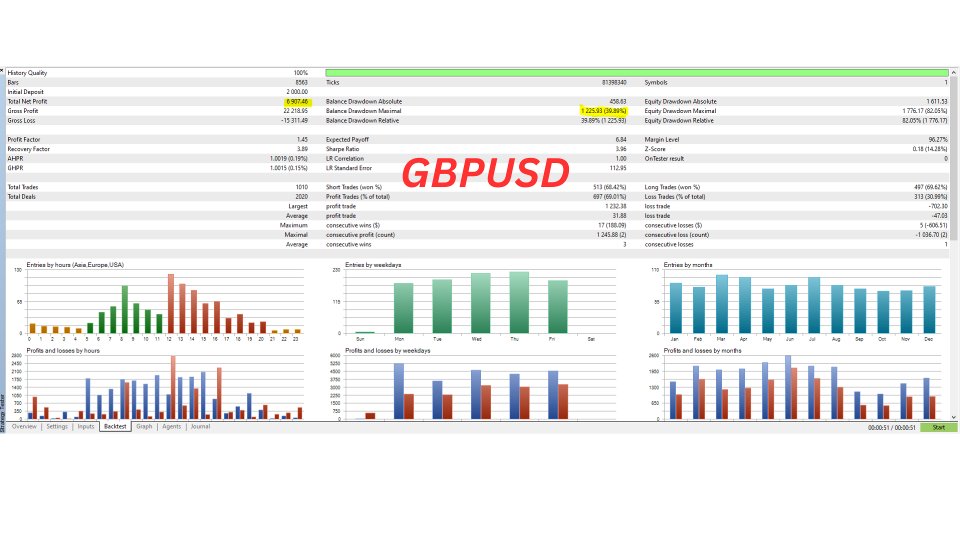
My EA places pending orders after analyzing the market structure & parameters, The EA is backtested thoroughly and it is the only EA in the market who has similar backtesting results and forward testing results, you can download the demo and test it for yourself.
HOW TO OPERATE SIGMA EA
1- Only use the provided set files for backtesting and forward testing, DONOT USE DEFAULT SETTINGS.
2- Sigma EA is Optimized for Exness Broker Only, If you want to use it on any other broker, Create a demo account on exness, Setup Sigma EA on exness demo and copy trades from there to your broker,
If you are unable to create demo on exness broker, inbox me I will provide you with the demo account.
3- Once you load the EA on the chart , DONOT CHANGE ANY SETTING, TIME FRAME infact anything, donot restart your terminal and just let it run.
4- If you change the setting, time frame or restart the EA it will start from scratch and will remove the previous pending orders and also will not recover the previous losing trades so its important that
once you run the EA, JUST LET IT RUN
5- If you want to stop the EA for any reason Wait for the EA to recover all the losing trades before stopping it.
6- For live accounts and backtesting DONOT USE DEFAULT SETTINGS only use the provided setfiles.
PLEASE DOWNLOAD THE SET FILE FROM HERE ( for exness broker only )
GBPUSD H4 SETFILE: https://www.mql5.com/en/blogs/post/759394
EURUSD H6 SETFILE : https://www.mql5.com/en/blogs/post/764073
EURUSD H4 SETFILE : https://www.mql5.com/en/blogs/post/764074sigma is optimized for EXNESSS only, If you cannot open an account on exness please contact me and I will provide you the demo account for copying trades to your broker.
please use the set files for backtesting & forward testing,
BACKTESTING INSTRUCTIONS:
1- Please Use recommended balance and target percent, ESPECIALLY TIME FRAME & only use exness broker
2- Only use the setfile for backtesting donot use default settings ever
3- Use exness, zero account as the EA is optimized for Exness only
SETTINGS: USE THE SET FILE ONLY ( DONOT USE DEFAULT SETTINGS)
MARKET ENTRY: PENDING ORDERS ( ONLY BUY/SELL ZONES ARE VISIBLE TO BROKER NOT THE PENDING ORDERS)
BACKTESTS: "Every tick based on real ticks" from 2020 to 2025( till date)
SUPPORT: CONTACT ME FOR SUPPORT https://www.mql5.com/en/users/salarahmed
📸 截图预览